
Published: February 26, 2026
Choosing a monitoring app is not a small decision, and this detailed mSpy review exists for one reason: clarity. The website promises powerful tracking, full visibility, and quiet background operation. On paper, it sounds complete. In practice, things look different.
We tested the dashboard, explored the feature set across devices, and studied patterns inside public customer feedback. A clear trend appears in user discussions: billing confusion and support frustration show up frequently. That does not mean the software has zero value. It means expectations and reality do not always match.
This guide explains exactly what mSpy delivers, where it falls short, and who should consider a simpler alternative instead.
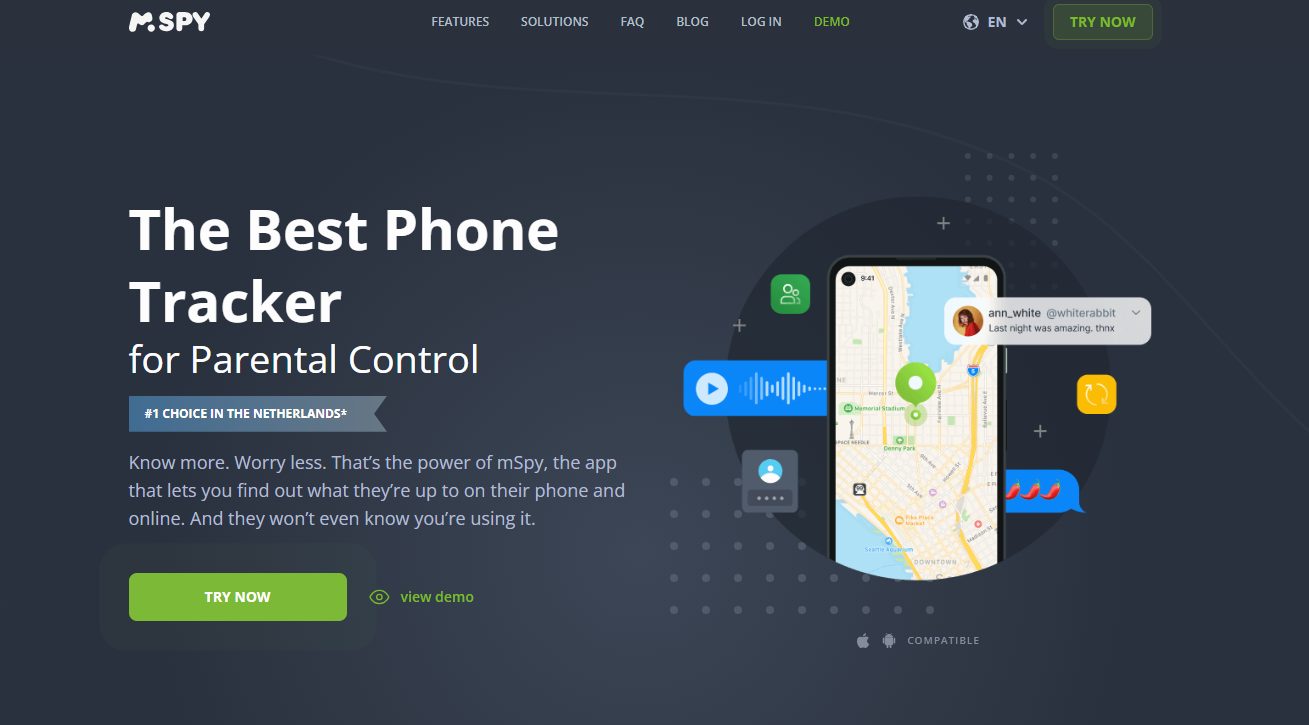
mSpy markets itself as a parental control and device monitoring tool that promises full visibility into a phone’s activity. It claims to provide access to location history, call logs, SMS records, browsing activity, and selected social app data through a central dashboard.
On paper, that sounds complete. Most buyers expect precise GPS updates, full message visibility without missing entries, stable background operation, and consistent syncing across Android and iPhone devices.
Here is where the tension begins. Real-world use depends heavily on device type, permissions, and operating system limits. Android typically offers broader access.
iPhone functionality often relies on account-level data, which can reduce depth and accuracy. That difference rarely feels clear during purchase. As a result, expectations rise quickly, and disappointment follows when features do not behave as imagined.
A serious mSpy phone tracker review and mSpy monitoring app review must evaluate how features behave in daily use, not how they appear in advertisements.
mSpy provides GPS location logs with timestamps and route history displayed on a map interface. Users expect near real-time updates with consistent refresh intervals. In practice, update frequency varies by device and network strength.
Some reports mention delayed position updates or route gaps. Extended background activity can increase battery drain, especially on Android devices with constant GPS polling enabled.
The dashboard lists incoming and outgoing calls, contact names, timestamps, and SMS records. Users expect complete message visibility without missing entries. Sync delays can cause gaps in logs, particularly after system updates.
Some entries appear without clear labeling, which creates confusion when multiple apps store communication data differently.
mSpy heavily promotes Snapchat monitoring as a key strength. Social monitoring aims to display message logs and contact interactions within supported apps.
Coverage depends on device type and OS restrictions. Android devices usually allow broader access. iPhone support often relies on backup data, which limits depth and update speed. App updates can temporarily break compatibility.
Web tracking typically shows visited URLs, search queries, and timestamps. Users expect a full browsing history across all browsers.
In reality, tracking works best on supported browsers and may exclude private sessions. Partial records and inconsistent timestamps appear in some cases, which affects reliability for detailed monitoring.
Keyword alerts scan messages and logs for predefined terms. The system sends notifications when a match appears.
This logic works in theory but can generate excessive alerts without full conversation context. False positives occur when keywords appear in neutral conversations, which reduces practical usefulness.
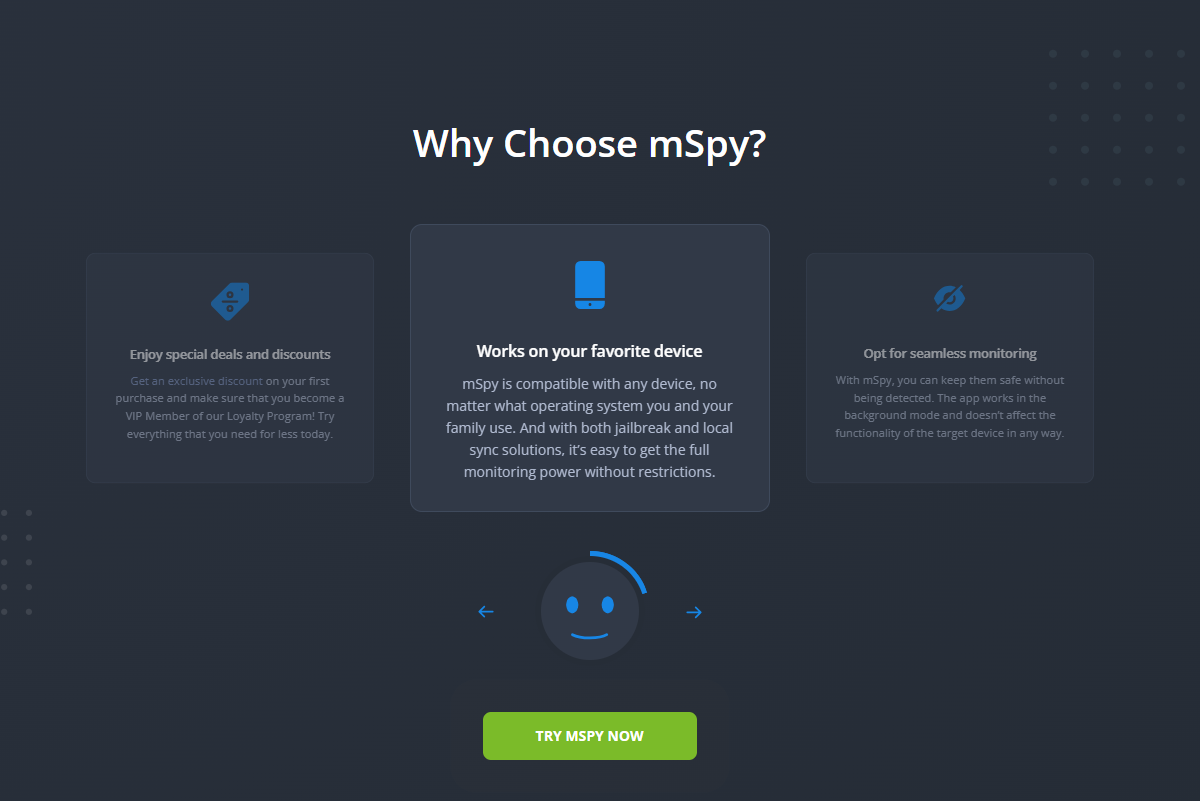
Compatibility plays a major role in how mSpy performs. The feature list looks unified, but actual results vary significantly between Android and iPhone devices.
On Android, mSpy delivers its strongest performance. Full SMS logs, detailed call history, GPS tracking with route history, and broader social app visibility are more accessible due to Android’s flexible permission structure. However, mSpy requires extensive background permissions and exclusion from battery optimization.
If Android updates modify system restrictions, background tracking can slow down or pause. Some users report sync delays or temporary feature failure after major OS updates. Performance also varies by device model and security patch level.
On iPhone, mSpy typically relies on iCloud backup data instead of direct device access. This means data refresh depends on backup frequency, not live extraction. Real-time GPS tracking and instant message updates often appear limited compared to Android.
Device-level monitoring faces strict iOS security barriers, which reduces feature depth. Many complaints in this mSpy phone tracker review space originate from buyers expecting identical functionality across both platforms.
When buyers assume that Instagram tracking works the same on every device, expectations exceed reality. That mismatch frequently drives negative feedback and contributes to dissatisfaction seen in public mSpy monitoring app review discussions.
mSpy pricing is structured around subscription length, with longer commitments costing more upfront but offering a lower monthly equivalent. However, feature access doesn’t always scale seamlessly with price, especially because some advertised capabilities behave differently depending on device type (Android vs iPhone).
Here’s how mSpy pricing breaks down (typical published rates):
Important nuance: longer plans do not unlock extra features by default – they simply extend the subscription period. In other words, paying more time doesn’t change feature depth on iPhone vs Android. That often creates confusion: buyers assume tier upgrades mean richer monitoring when really they just cover a longer billing cycle.
Some users also report offers or “premium add-ons” appearing during checkout, which are not clearly explained in terms of what extra capability they add. Lack of clear differentiation between plan levels can lead to surprises.
Billing problems damage trust more than feature flaws. Many negative mSpy reviews focus less on “the app failed” and more on how the company handled payment disputes. That signal matters because monitoring software already demands strong trust.
Three issues come up repeatedly in public feedback. First, auto-renewal surprises. Users believe they bought a fixed-term plan, then see another charge later. Second, cancellation confusion.
Some users claim they followed steps, yet the subscription continued or they could not confirm cancellation clearly. Third, refund disputes. Users report denied refunds tied to timing rules, usage conditions, or policy wording.
Even when mSpy follows its written terms, unclear wording and weak confirmation steps create frustration. This becomes a major flaw: billing experiences feel harder than they should for a paid subscription product.
Use this checklist before entering payment details:
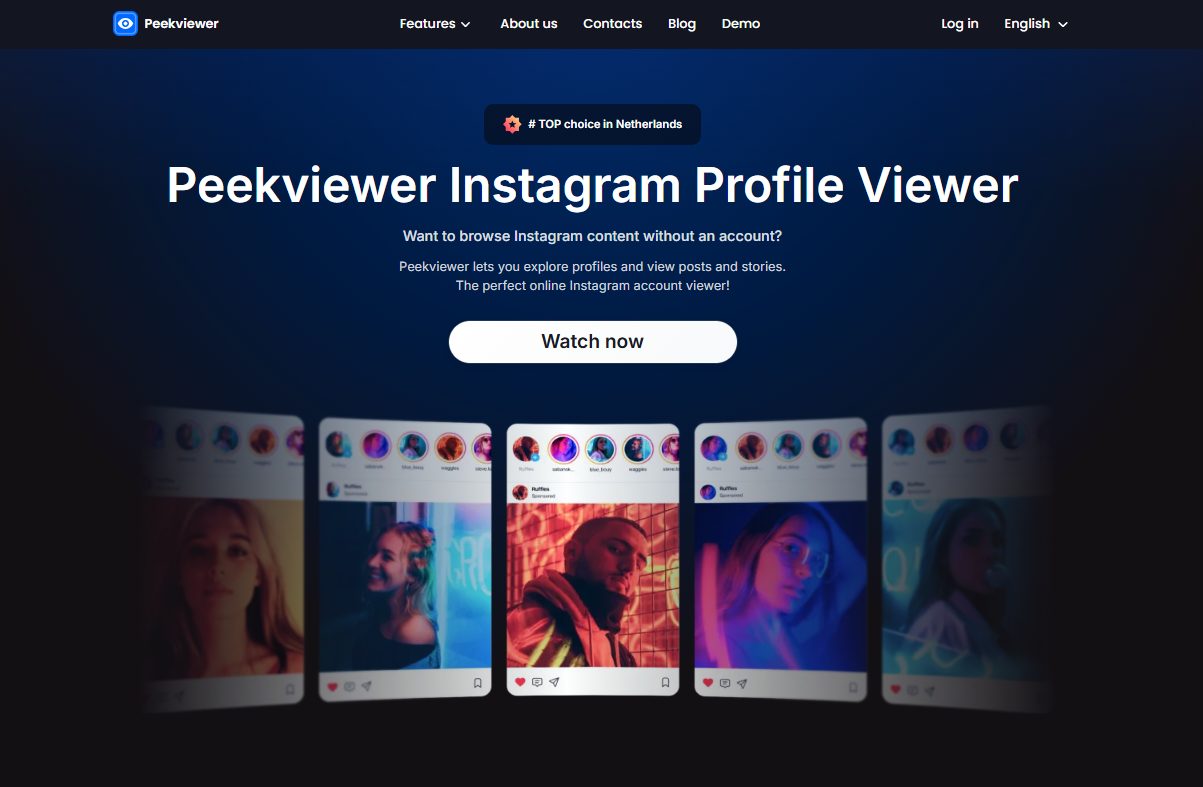
After evaluating mSpy’s functionality, limitations, and recurring user complaints, many people look for an easier, more predictable option.
PeekViewer stands out in this review as a more focused and accessible alternative for specific use cases, especially for social media insight and selective monitoring needs.
PeekViewer is not a broad device monitoring suite like mSpy, but it delivers a simpler, more reliable experience for what it does support. Instead of trying to handle every category of phone activity (and running into Android and iOS restrictions), PeekViewer narrows its scope to clean, reliable social media viewing and profile insights.
For users frustrated with inconsistent logs, sync delays, or unclear data presentation in an mSpy monitoring app review context, PeekViewer delivers fewer surprises and more consistent output for the supported platforms.
This contrast matters because many critical mSpy complaints surface after payment – unexpected billing, unclear feature limits, or instability. PeekViewer’s narrower, more transparent approach reduces those risk points.
PeekViewer suits users whose priority is consistent visibility into supported platforms, rather than a broad promise that hinges on OS internals. If your goal targets social app insights and ease of use, PeekViewer simplifies expectations and delivers on them with less technical overhead.
For anyone frustrated with the mixed reliability and support experiences highlighted in this mSpy review, PeekViewer provides a cleaner alternative that aligns cost, capability, and clarity more closely.
This mSpy review shows a product with strong marketing, broad feature coverage, and real technical potential, especially on Android devices. At the same time, mSpy carries visible weaknesses.
Device compatibility gaps, sync inconsistencies, OS update disruptions, and billing disputes appear repeatedly in public feedback. The pricing structure does not change feature depth across platforms, which creates confusion for iPhone users expecting equal performance.
If you need wide phone monitoring and accept platform limitations, mSpy may fit. If you want a narrower, more predictable solution with fewer billing concerns, PeekViewer presents a cleaner alternative.
→ Switch to PeekViewer for a simpler, more predictable experience
mSpy generally performs more consistently on Android due to deeper system-level access. iPhone monitoring often relies on iCloud backup data, which reduces real-time accuracy and limits certain social app features. Performance differences between platforms explain many mixed reviews.
Common complaints relate to auto-renewal charges and refund eligibility rules. Users sometimes misunderstand cancellation timing or policy conditions. Even when mSpy follows written terms, unclear wording and strict windows create frustration.
No. Android devices usually provide broader access to messages, logs, and social apps. iOS restrictions limit some capabilities. Marketing presents a unified feature list, but actual access depends on operating system constraints.
The most cited flaws include inconsistent data syncing after OS updates, limited iPhone feature depth, billing disputes, and slow support responses during technical issues. These factors affect perceived value after payment.
mSpy Snapchat monitoring works more effectively on Android. On iPhone, results depend on backup data availability and OS limitations. Feature behavior may vary after app or system updates.
PeekViewer makes more sense when you need focused social media visibility without broad device-level monitoring. Its narrower scope reduces compatibility risks and billing complexity compared to full-suite monitoring tools like mSpy.
Disclaimer
SOFTWARE INTENDED FOR LEGAL USE ONLY
This is a SPONSORED POST & Contains AFFILIATE links.
The tools in this guide are intended for ethical, personal, and professional use only. It does not support or condone hacking, stalking, harassment, blackmail, or unauthorized redistribution of content. Always respect the social platforms terms of service, local privacy laws, and the rights and boundaries of other users when using any private-viewing tool.
Endless CVs, hundreds of candidate emails, and routine reports — according to Deloitte statistics, up to 93% of HR working...
If you are searching for a detailed PeekViewer review, you likely want one clear answer: does this anonymous Instagram viewer...
Most people search for answers about how to monitor Snapchat only after something feels off. A sudden change in behavior,...
Want to grow your social media faster?
