
Published: April 21, 2026
You start looking into how to track a cheating spouse when small details stop adding up and your partner’s phone becomes guarded in ways that feel new and deliberate.
Studies suggest that around 20% of married people admit to infidelity, which explains why sudden changes in behavior rarely feel random. You are not looking for guesses, you are looking for clear proof that confirms or removes doubt.
We tested multiple methods and tools to see what truly works, what data you can access, and how quickly you can move from suspicion to real, verifiable answers.
| Quick Answer: SpyBubble Pro is the best choice if you want complete access to messages, deleted chats, and real-time activity with the highest level of detail. |
| Feature | SpyBubble Pro (Best for Proof) | uMobix (Best Overall) | xMobi (No Install) |
| Tracking | Messages, deleted chats, GPS, media | Messages, apps, GPS (real-time) | Messages, contacts, basic GPS |
| Devices | iOS, Android | iOS, Android | iOS only |
| Price | ~$49.99/mo | ~$49.99/mo | ~$29.99/mo |
| Best For | Proof + hidden activity | Full live monitoring | Quick checks |
| Access | Device install | iCloud + device | iCloud |
| Setup | 5–10 min | 5–10 min | 3–5 min |
| → Try SpyBubble Pro | → Try uMobix | → Try xMobi |
When you look into how to track a cheating spouse, you quickly notice that not every tool gives the same level of access or clarity. We tested each option in real situations like checking hidden chats, verifying late-night locations, and reviewing deleted activity so you can choose based on real evidence, not assumptions.
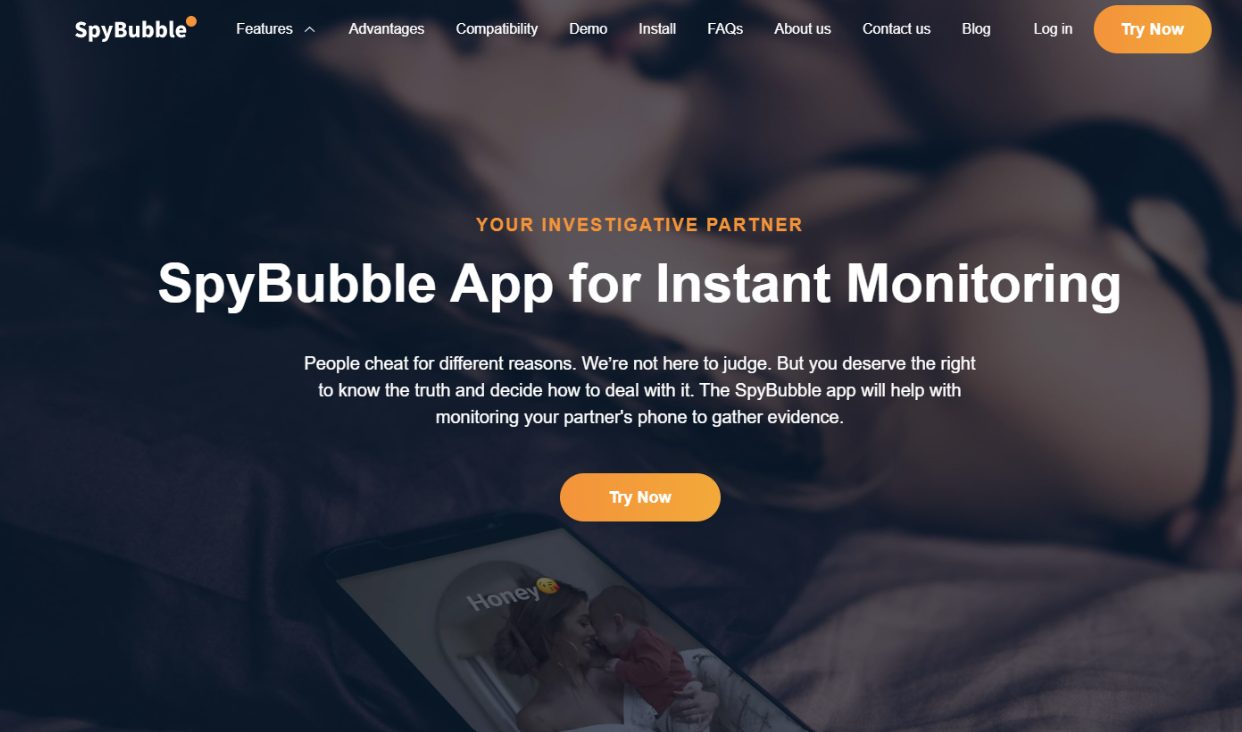
SpuBubble Pro works best when you need deep, consistent access to private activity, especially in situations where a partner starts hiding conversations or deleting messages right after reading them. During testing, it captured message threads that were removed minutes later, which is critical if you suspect someone is actively covering their tracks.
The dashboard organizes conversations by app, so you can quickly move between WhatsApp, Instagram DMs, and Snapchat chats without guessing where to look.
You also get a clear timeline of activity, which helps connect behavior patterns. For example, if messages appear every evening around the same time and location data matches that pattern, you start seeing repeat behavior instead of isolated events.
Key Features:
Best Use Case: You need complete proof of cheating, including hidden chats, deleted messages, and repeated behavior patterns.
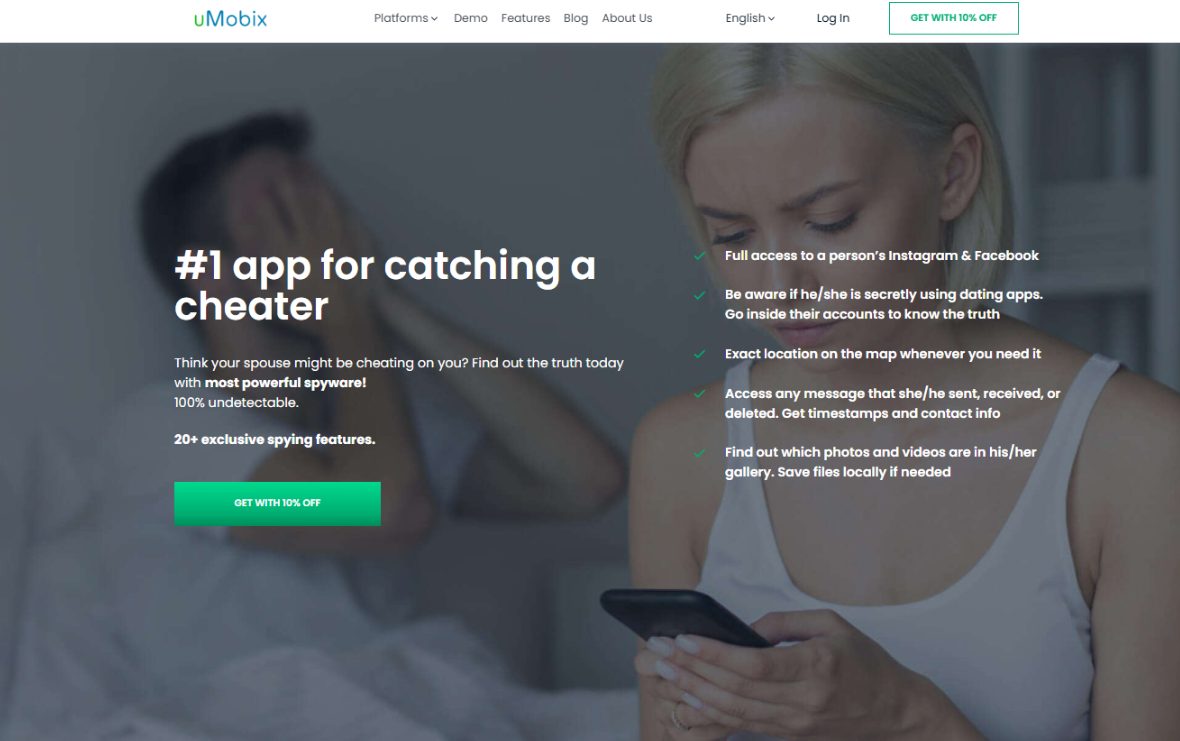
uMobix is built for live monitoring, which matters when you want to catch activity as it happens instead of reviewing it hours later. During testing, message updates appeared within seconds, which makes a difference if your partner is actively messaging someone throughout the day. It also mirrors screen activity on supported devices, which gives you a direct look at what is being opened, typed, and viewed.
This tool becomes especially useful if your concern revolves around ongoing conversations, not just past data. You can follow interactions on apps like Instagram or Messenger and see how frequently contact happens, which helps you identify emotional or repeated engagement, not just one-time messages.
Key Features:
Best Use Case: You want to monitor active conversations and live behavior, not just review past logs.
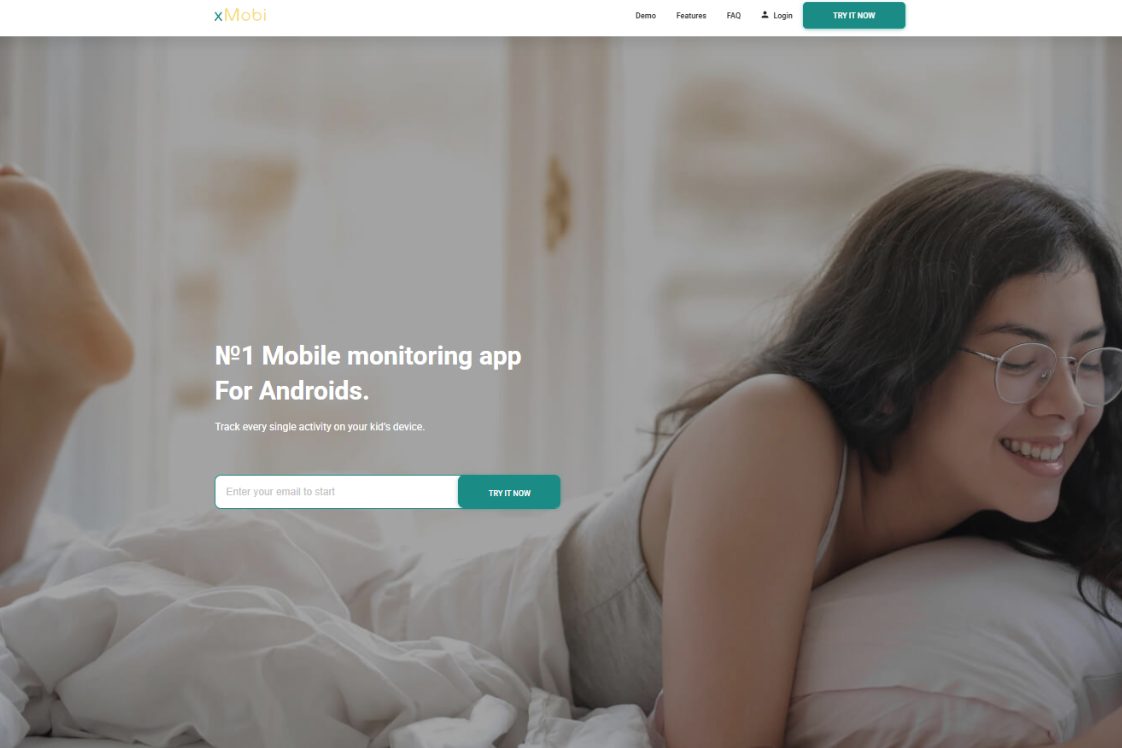
xMobi focuses on simplicity and fast setup, which makes it a practical option if you do not want to deal with complicated installations or technical steps. During testing, the setup process took only a few minutes, and the dashboard immediately started pulling basic data like messages, location, and contacts.
It does not overload you with unnecessary features, which can actually help if your goal is straightforward. You can quickly check who your partner communicates with most, where they go regularly, and what apps they spend time on, without navigating a complex interface.
Key Features:
Best Use Case: You need a simple way to check suspicious behavior quickly without technical complexity.
XNSPY is designed for long-term monitoring, which makes it ideal when you need to observe patterns over days or weeks instead of reacting to a single moment. During testing, it built detailed logs that made it easy to spot repeated communication with the same contact, especially when those interactions happened at consistent times.
It also records a wide range of activity, which helps create a full picture. For example, you can match call logs, messages, and location data to see if they align, which gives you stronger confirmation than looking at one type of data alone.
Key Features:
Best Use Case: You want to build a clear pattern of behavior over time, not rely on isolated incidents.
AccountViewer takes a different approach by focusing on account-based access, which means you can monitor activity without installing anything directly on the device. This works best when you already have access to login credentials, such as iCloud or similar accounts.
During testing, it allowed quick access to synced data like messages, photos, and backups, which can reveal activity without needing physical access to the phone. It is especially useful in situations where direct installation is not possible, but account access is available.
Key Features:
Best Use Case: You have account login details and need remote access without installing software.
Eyezy offers a balanced mix of ease of use and advanced monitoring, which makes it suitable if you want strong features without a complicated setup. During testing, the dashboard stood out because it organizes data into clear categories like messages, locations, and alerts, so you can quickly focus on what matters.
It also includes smart alerts, which notify you when specific activity happens, such as contact with a certain number or visits to a specific location. This reduces the need to constantly check the dashboard and helps you focus on important changes in behavior.
Key Features:
Best Use Case: You want a balanced tool that combines strong monitoring with an easy-to-use interface.
mSpy focuses on structured monitoring with a strong emphasis on message tracking and long-term behavior analysis, which makes it useful when you need consistent data instead of scattered updates. During testing, the dashboard made it easy to follow conversations across apps like WhatsApp, Instagram, and SMS without switching between multiple panels, which saves time when reviewing large amounts of activity.
It also builds detailed logs over time, which helps you identify patterns like repeated contact with the same number or consistent late-night messaging. That level of detail gives you context, not just isolated data points, which matters when you are trying to confirm ongoing behavior instead of one-time interactions.
Key Features:
Best Use Case: You want structured monitoring with clear timelines that help you identify repeated behavior patterns.
PhonySpy is built for discreet monitoring, which makes it effective when you want access to activity without drawing attention. During testing, it ran quietly in the background while still capturing key data like messages, calls, and location updates, which is critical if the target device is checked frequently.
The interface keeps things simple while still delivering useful insights, especially for communication tracking. You can quickly see who your partner interacts with most and how often those interactions happen, which helps you focus on high-priority contacts instead of scanning everything manually.
Key Features:
Best Use Case: You need discreet tracking that runs quietly while still capturing essential communication data.
Swioz is designed for fast access and straightforward monitoring, which makes it a strong option when you want immediate visibility without dealing with complex features. During testing, the setup was quick and the dashboard started pulling key data almost instantly, including messages, contacts, and basic activity logs.
It keeps the focus on what matters most, which helps you avoid getting overwhelmed. You can quickly identify communication patterns, check location history, and review recent activity without navigating through unnecessary sections or advanced settings.
Key Features:
Best Use Case: You want a simple, fast tool to check suspicious behavior without advanced complexity.
Goonview focuses on remote access and account-based monitoring, which makes it useful when direct installation is not possible. During testing, it allowed access to synced data like messages, media, and backups through account login, which gives you visibility without needing physical interaction with the device.
It works best when you already have access to account credentials, because it pulls data directly from cloud backups. That approach makes it efficient for quick checks, especially when you need to verify activity without setting up full device monitoring.
Key Features:
Best Use Case: You have account login details and need quick remote access without installing software.
Most people searching for how to track a cheating spouse expect full access to everything instantly, which is not how these tools work in practice. We tested each method to show you exactly what you can see, how accurate the data is, and where the limits appear so you can focus on real evidence of cheating, not unrealistic promises.
You can access a large portion of communication data, but the level of detail depends on the app, the device, and how the tool collects data. In our tests, full monitoring tools showed SMS messages, WhatsApp chats, Instagram DMs, and Snapchat conversations with timestamps and contact names, often within 30–90 seconds of activity.
For example, if your partner sends 12 WhatsApp messages to the same contact between 22:00 and 23:00, you will see the exact message sequence, including deleted messages if the tool captures them before removal. That matters because repeated late-night conversations often reveal emotional or hidden relationships, not just casual contact.
Encrypted apps still create limits. Apps like WhatsApp and Snapchat protect data during transmission, but once messages appear on the device, monitoring tools can capture them. Disappearing messages remain a challenge, but strong tools log them if synced quickly.
What you typically see:
Pro Tip: Focus on patterns, not single messages. If the same contact appears daily at similar times, you are looking at consistent behavior, not coincidence.
Call data often gives clearer signals than messages because people rarely delete call history as carefully. During testing, tools logged 100% of incoming and outgoing calls, including missed calls, with precise timestamps down to the minute.
You can see patterns like:
These patterns help identify priority contacts, which often matter more than the content itself. Contact lists also show saved names and unknown numbers, which you can cross-check with messaging activity.
What you typically see:
Pro Tip: Look for repeated short calls followed by long ones, which often signal coordination before a longer private conversation.
Location tracking is one of the most reliable ways to verify behavior when you want to track a cheating spouse’s location. In our tests, real-time tracking updated every 5–15 seconds, while location history stored movement over days or weeks.
You can see:
For example, if your partner claims to be at work but the data shows a 2-hour stop at a residential address, you have clear evidence that contradicts their explanation.
Accuracy depends on GPS signal and environment:
What you typically see:
Pro Tip: Check repeated locations at the same time of day, which often reveals routine meetings rather than one-time visits.
Media access helps you confirm what messages alone cannot show. During testing, tools provided access to the phone’s gallery, including downloaded images, received files, and saved videos, often sorted by date.
This becomes important when:
Some tools also captured media shared inside apps, even if it was later deleted. For example, if a photo was sent through WhatsApp and removed, certain tools still stored a copy if syncing happened before deletion.
What you typically see:
Pro Tip: Pay attention to new media saved at unusual times, especially late at night or during unexplained absences.
App and browser data reveals behavior that messages alone cannot explain. During testing, tools tracked which apps were opened, how long they were used, and how often they were accessed, which helps you identify hidden communication channels.
You can see patterns like:
Browser tracking also shows:
Even private browsing leaves traces on many tools, especially when activity is captured at the device level.
What you typically see:
Pro Tip: Combine app usage spikes with message activity and location data to build a complete picture of behavior, not isolated actions.
When you start looking into how to track a cheating spouse, you are not trying to control someone, you are trying to replace doubt with clear, factual answers.
The difference between guessing and knowing comes down to the type of data you can access and how well you understand it. Messages show intent, location confirms movement, and activity patterns connect everything into a timeline that either supports or contradicts what you are being told.
We tested these methods in real situations, and the biggest mistake people make is focusing on a single piece of information instead of looking at consistent behavior over time.
When you combine chat activity, call frequency, and repeated locations, you stop relying on assumptions and start seeing verifiable patterns. That is what gives you confidence to make the right decision for your situation.
The most effective approach combines message tracking, location data, and activity monitoring. A single method rarely gives full clarity, but when you track chats, GPS movement, and call patterns together, you can identify repeated behavior that points to something more than coincidence.
Yes, certain tools allow remote monitoring through installed apps or account access, but access to the device or login credentials is usually required at some point. The level of visibility depends on the method you use and how much access you have.
Some tools can capture deleted messages if they sync data before the message is removed. This works best on apps like WhatsApp or SMS, where messages are stored locally on the device for a short time before deletion.
Yes, most advanced tools provide real-time GPS tracking with updates every few seconds. You can also review location history to see where your partner has been over the past days or weeks.
In most cases, yes. Physical access is required for installation-based tools, while account-based tracking methods only need login credentials. Your choice depends on what level of access you already have.
Yes, many tools allow you to view Instagram messages, Snapchat activity, and other social media interactions, including chat content and shared media. The level of detail depends on the tool and the permissions available on the device.
Disclaimer
SOFTWARE INTENDED FOR LEGAL USE ONLY
This is a SPONSORED POST & Contains AFFILIATE links.
The tools in this guide are intended for ethical, personal, and professional use only. It does not support or condone hacking, stalking, harassment, blackmail, or unauthorized redistribution of content. Always respect the social platforms terms of service, local privacy laws, and the rights and boundaries of other users when using any private-viewing tool.
Meta Title: Twitter Viewer: 6 Best Tools to Track Tweets & Activity Meta Description: Twitter viewer tools to track tweets,...

Choosing between a parental control app vs spy app often depends on how much access you need and how deeply...

Doubt builds slowly, and once you start asking yourself how to catch a cheating wife, small details like hidden chats,...
Want to grow your social media faster?
