
Published: March 30, 2026
If you are searching for a detailed PeekViewer review, you likely want one clear answer: does this anonymous Instagram viewer actually deliver on its promises? Instagram now has over 2 billion monthly active users, and interest in private, discreet profile viewing continues to rise.
During testing, PeekViewer was evaluated for anonymous access, profile monitoring tools, download capabilities, and subscription pricing. Every major feature was examined under real-use conditions, including how the platform handles public and limited-access profiles.
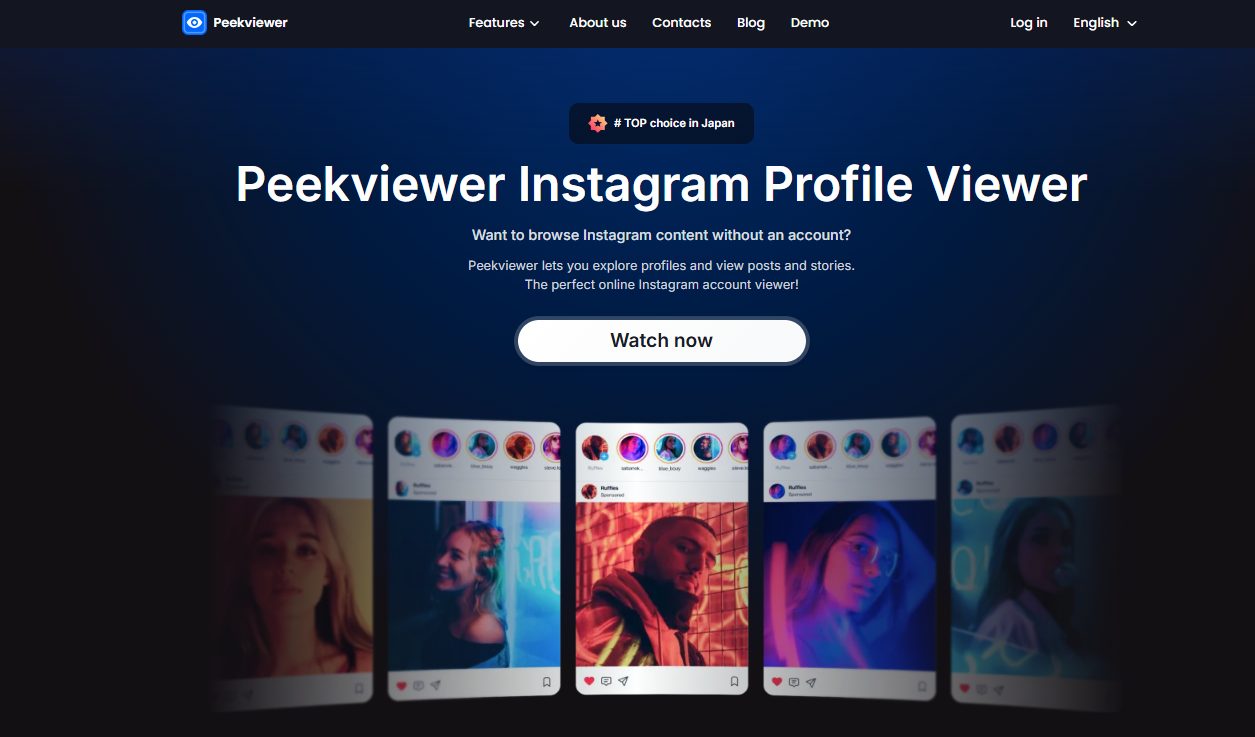
PeekViewer is an Instagram profile viewer without an account, built for people who want to look at Instagram content without logging in or installing anything. Instead of asking you to sign into Instagram, the platform pushes a simple promise: you enter a username or profile link, then you browse content inside PeekViewer’s own interface.
It features beyond one-time viewing, so the tool reads like a mix of anonymous Instagram viewer and lightweight tracking dashboard. You do not get a vague “view profiles” pitch only. You get a list of content types and activity signals that PeekViewer claims it can surface for you.
PeekViewer’s core purpose is straightforward: give you a way to browse Instagram content as an outsider, without the typical friction of the Instagram app. In other words, the product sells access and convenience. You visit the site, paste a username or profile URL, and PeekViewer claims it can display content inside your browser.
PeekViewer shows:
Additionally, PeekViewer promotes a downloader feature. So, the tool does not stop at viewing. It can download photos, stories, and videos and keep them available, plus it has story saving in cloud storage for up to 3 months.
→ Check Any Instagram Profile Privately
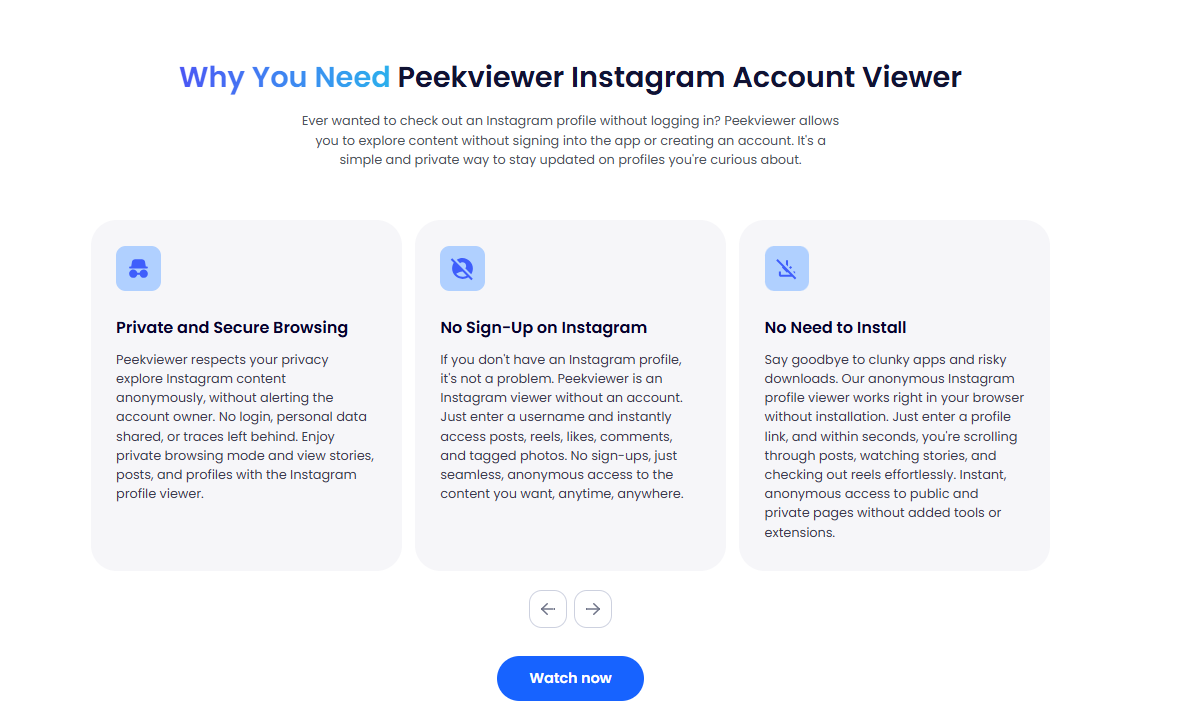
PeekViewer features focus on privacy, structured profile access, and organized monitoring. The platform combines anonymous Instagram viewing, multi-format content access, activity tracking, and temporary cloud storage inside one dashboard. As a result, you get a controlled environment built for direct profile analysis without account exposure.
PeekViewer delivers anonymous Instagram viewing through a browser-based interface that does not connect to your personal Instagram account. The profile owner does not see your visit, your name does not appear in story viewers, and no interaction links back to you. The system isolates your browsing session from Instagram’s native app activity.
Anonymity here means observation only. PeekViewer provides access to profile content without enabling likes, comments, or direct engagement. The focus remains on discreet viewing and monitoring, not participation.
PeekViewer features structured access to posts, stories, and reels within one profile dashboard. Posts open with captions and visible engagement data. Stories load directly inside the interface without switching apps. Reels play in the same viewing environment, which keeps the experience consistent.
The platform also includes visibility into likes, comments, and tagged photos. Likes reveal engagement strength. Comments provide audience context. Tagged photos expand visibility beyond the account’s own uploads. This layered access gives deeper profile insight than basic scrolling.
PeekViewer includes tracking tools that highlight new posts, content updates, new followers, new following, hot likes, comments, and tagged photo notifications. Each update appears inside the dashboard, so you can identify profile changes quickly.
Location tags add context to uploads by showing associated places. Engagement tracking simplifies comparison between older and newer posts. These features support consistent profile monitoring over time.
PeekViewer provides cloud space storage for up to 3 months, allowing you to keep story content accessible beyond Instagram’s 24-hour limit. This feature supports content review, update tracking, and reference over multiple weeks.
Stories remain available inside the retention window. After that period, storage expires, so important media should be downloaded before the three-month timeframe ends.
→ Unlock Full Profile Access Today
PeekViewer works through a web dashboard that pulls Instagram content into a private viewing interface after you choose a plan. The setup takes only a few minutes. Still, each step matters because it determines what you can access and how smoothly the tool performs.
PeekViewer offers three subscription plans with clear monthly pricing tiers.
| Plan Duration | Monthly Cost (USD) | Total Billing Cycle | Best For | Cost Efficiency |
| 1 Month | ~$51.57/month | Billed monthly | Short-term access | Highest monthly cost |
| 3 Months | ~$30.37/month | Billed quarterly | Medium-term monitoring | 41% cheaper than 1-month |
| 12 Months | ~$12.89/month | Billed annually | Long-term tracking | 75% cheaper than 1-month |
The 1 Month plan costs approximately $51.57 per month. This is the highest monthly rate across all plans. However, it provides flexibility because it does not lock you into a long commitment.
This plan fits users who need short-term profile access, such as checking a specific account for a limited period, conducting brief research, or testing the platform before committing to a longer subscription. If your need is temporary and focused, the 1-month option gives direct access without extended billing exposure.
The 3 Months plan costs approximately $30.37 per month, billed for the full three-month period upfront. This plan reduces the monthly cost significantly compared to the single-month option.
This tier fits users who want consistent monitoring over a quarter, such as tracking engagement trends, following content changes, or reviewing profile activity across multiple updates. The price difference delivers noticeable savings while maintaining flexibility without a full-year commitment.
The 12 Months plan costs approximately $12.89 per month, billed annually. This is the most cost-efficient tier in terms of monthly value.
This plan fits users who expect long-term profile monitoring, ongoing research, or extended tracking of followers, tagged photos, and engagement changes. At roughly 75% lower monthly cost than the 1-month plan, it offers strong value for sustained use.
PeekViewer promotes a 15% discount, which appears in comparison to higher crossed-out prices displayed next to each plan. The discounted rate reflects the pricing shown after reduction.
Before purchasing, confirm the following billing details:
Check whether the subscription includes automatic renewal at the end of the billing cycle. Verify the exact cancellation deadline, especially for the annual plan. Review whether taxes or processing fees apply depending on your location and payment method. Confirm refund conditions in case access issues occur.
Clear awareness of renewal timing and billing structure prevents unexpected charges and ensures full control over your subscription.
→ Click Here to Claim 15% Discount
PeekViewer delivers exactly what it promotes: anonymous Instagram viewing, structured profile access, content downloads, and activity monitoring inside a private dashboard.
You should consider PeekViewer if you want discreet profile viewing without logging into Instagram, centralized access to posts, stories, reels, likes, comments, and tagged photos, and monitoring tools such as new follower tracking and content updates.
The added cloud storage for up to 3 months strengthens its value for users who revisit profiles regularly. Based on features, structure, and pricing flexibility, PeekViewer stands as a strong option for users who prioritize privacy, structured access, and long-term monitoring efficiency.
→ View Stories And Posts Without Login
Yes. PeekViewer provides anonymous Instagram viewing by separating your browsing session from your personal Instagram account. The profile owner does not see your identity or receive notifications tied to your viewing activity.
PeekViewer allows profile access through its subscription system. Access depends on the availability and structure supported inside the platform dashboard. Users should enter the exact username and confirm accessibility during the setup process.
Yes. PeekViewer includes an Instagram downloader feature that supports downloading stories, photos, and videos. Downloads occur inside the dashboard environment after subscription access.
PeekViewer saves stories in cloud storage for up to 3 months. After that retention period, the saved stories expire unless downloaded beforehand.
Review the refund policy, confirm the auto-renewal schedule, verify the cancellation deadline, and check official support contact options. Confirming these details ensures full control over billing and subscription management.
Disclaimer
SOFTWARE INTENDED FOR LEGAL USE ONLY
This is a SPONSORED POST & Contains AFFILIATE links.
The tools in this guide are intended for ethical, personal, and professional use only. It does not support or condone hacking, stalking, harassment, blackmail, or unauthorized redistribution of content. Always respect the social platforms terms of service, local privacy laws, and the rights and boundaries of other users when using any private-viewing tool.
Finding the best Snapchat story viewer today takes more than picking a random tool, because you need something that actually...
The best Snapchat spy apps let you see what really happens behind disappearing messages and private stories. Snapchat was built...
Many X (formerly Twitter) accounts are set to private, meaning only approved followers can see their tweets, replies, direct messages,...
Want to grow your social media faster?
